
Parental Controls for Adult Sites: Why We Built a Child Lock
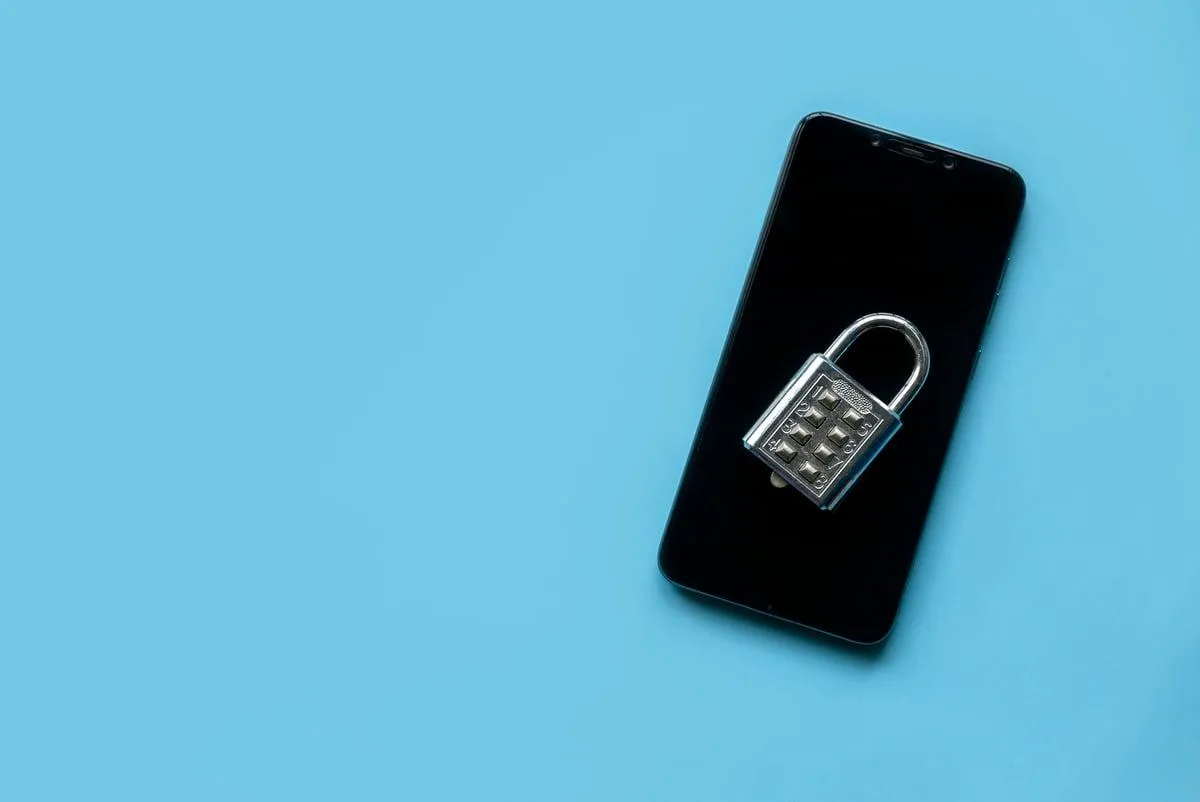
An "Are you 18?" button protects no one once an adult walks away from an open screen. So we built something better.
Most parental controls are built to keep children away from adult websites. They block, filter and restrict. They're useful, and every parent should know how to use them.
But they miss a moment that happens in homes every day. An adult is using an adult app, gets up to answer the door, and leaves the screen open. A child picks up the phone. No filter in the world helps then, because the app is already open and already logged in.
That's the moment we built the LazyFans child lock for.
Real protection starts inside the home.
Almost every adult site handles minors the same way: a pop-up asking visitors to confirm they're 18. It's a legal formality, and it does nothing once an adult has already clicked "yes" and walked away.
Device-level parental controls, like Screen Time on iPhone or Google Family Link on Android, help a lot on a child's own device. But many families share devices, and adults rarely lock down their own phone the way they lock down a child's.
The child lock is live now, built into LazyFans:
- Automatic lock, on your timer. You choose how long the app can sit idle before it locks itself.
- Unlock code to your phone. Getting back in takes a code sent to the account holder's phone.
- "Not me" alert. If someone else tries to unlock your account, you're alerted and can block the attempt with one tap.
- Instant lock button. A lock icon sits beside the notification bell, so you can lock the app immediately.
- Neutral cover screen. A locked app shows a calm nature photo, not adult content.
- Your control. Set the timer, or switch the feature off, in settings.
One tap, and the screen is a nature photo.
Critics of adult content usually lead with one argument: children see it. It's the strongest argument they have, and it's a fair one.
We think the right response isn't to argue, it's to act. Protecting kids inside the home, and not just at the front door, is part of what we mean by adult content done right. We believe LazyFans is the first adult platform with a child lock like this. We'd be glad if others copied it.
The child lock works best alongside the controls already on your devices:
- Turn on device parental controls for every child's phone or tablet: Screen Time on Apple, Family Link on Android.
- Use a passcode or Face ID on your own phone, and don't share it.
- Keep separate profiles on shared computers and tablets.
- Set short auto-lock times on your phone itself.
- Use apps with built-in locks, like LazyFans, for anything adult.
Simple habits, real protection.
Do adult sites have parental controls?
Most rely on an age pop-up only. LazyFans adds a built-in child lock that locks the app when it's left open.
How do I block adult websites from my child?
On iPhone, go to Settings > Screen Time > Content & Privacy Restrictions > App Store, Media, Web & Games > Web Content and choose Limit Adult Websites. On Android, use Google Family Link. Keep adult apps locked behind your own passcode.
What is the LazyFans child lock?
A built-in lock that closes the app after an idle time you set, needs a code sent to your phone to open, and alerts you if someone else tries.
Adult content, with real protection built in. Join the LazyFans waitlist and get 50 free tokens when we open.
Parents: what else should adult platforms do? Tell us below.